SSD vs HDD – Which is Better in 2026?
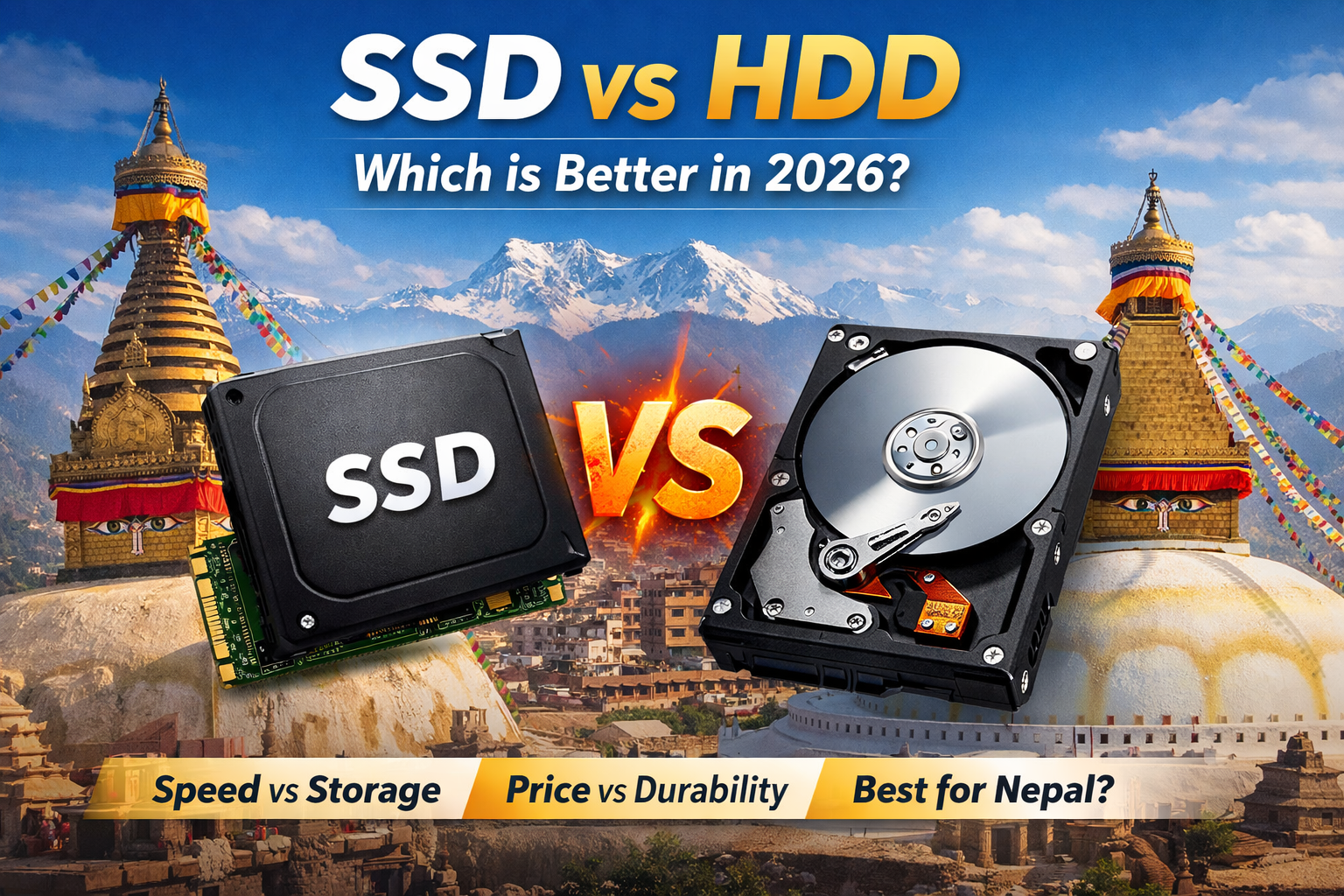
Choosing between an SSD (Solid State Drive) and an HDD (Hard Disk Drive) is one of the most important decisions when buying or upgrading a computer in 2026. With technology evolving rapidly, both storage types still exist—but they serve very different purposes.
In this guide, we’ll explain the differences, performance, pricing, and which one is best for users in Nepal.
🔹 Product Summary (Key Differences)
- SSD is 10–50x faster than HDD
- HDD is cheaper per GB
- SSD is more durable (no moving parts)
- HDD offers larger storage (up to 20TB+)
- SSD improves boot time, gaming, and productivity
- Best choice in 2026 → SSD for speed + HDD for storage
🔹 What is SSD?
An SSD (Solid State Drive) uses flash memory instead of mechanical parts, making it extremely fast and reliable.
- No moving parts
- Faster data access
- Silent operation
- Better for laptops
SSDs can reach speeds up to 500 MB/s (SATA) and even 7000 MB/s (NVMe)
🔹 What is HDD?
An HDD (Hard Disk Drive) uses spinning disks and mechanical heads to store data.
- Slower performance
- Cheaper storage
- Large capacity (up to 20TB+)
- More fragile
Typical HDD speed: 30–150 MB/s
🔹 SSD vs HDD – Full Comparison (2026)
| Feature | SSD | HDD |
|---|---|---|
| Speed | Very Fast | Slow |
| Boot Time | 5–10 sec | 30–60 sec |
| Durability | High | Low |
| Noise | Silent | Noisy |
| Power Usage | Low | High |
| Price | Expensive | Cheap |
| Storage Size | Up to ~4TB common | Up to 20TB+ |
🔹 Performance Difference (Real Life)
Using an SSD will:
- Boot Windows in seconds
- Open apps instantly
- Load games faster
- Improve overall system speed
HDD systems:
- Take longer to start
- Lag during multitasking
- Slow file transfers
This is why SSD is now considered essential in 2026.
🔹 Lifespan & Reliability
- SSD: Longer lifespan, more shock-resistant
- HDD: Can fail due to moving parts
Modern SSDs are more reliable, especially for laptops and portable use
🔹 Price Comparison in Nepal (2026)
- SSD (256GB–1TB): Higher cost
- HDD (1TB–4TB): Budget-friendly
HDD is still best for:
- Movies
- Backup storage
- Large files
SSD is best for:
- OS (Windows)
- Software
- Gaming
🔹 Which is Better in 2026?
✅ Choose SSD if you want:
- Fast performance
- Smooth multitasking
- Gaming & editing
- Laptop upgrade
✅ Choose HDD if you want:
- Cheap storage
- Backup solution
- Large data storage
🔹 Best Setup (Recommended)
👉 Use both SSD + HDD
- SSD → Windows + Software
- HDD → Movies + Files
This gives you speed + storage at low cost
🔹 Final Verdict (2026)
- SSD is clearly better for performance
- HDD is still useful for cheap storage
- Best option → Hybrid setup (SSD + HDD)
In 2026, every modern PC should have at least an SSD for the operating system.