How to Make Your Laptop Faster (2026 Guide for Nepal)

Is your laptop becoming slow and frustrating? Whether you're a student, office user, or gamer in Nepal, a slow laptop can affect productivity and performance. The good news is—you don’t need to buy a new one immediately.
In this guide, we’ll show you the best ways to make your laptop faster in 2026.
🔹 Product Summary (Quick Fixes)
- Upgrade to SSD (biggest performance boost)
- Increase RAM for multitasking
- Remove unnecessary startup apps
- Clean junk files and temporary data
- Keep Windows updated
- Use antivirus to remove malware
- Avoid overheating (clean fans)
🔹 Why Your Laptop is Slow
Common reasons:
- Old HDD storage
- Low RAM (4GB or less)
- Too many background apps
- Virus or malware
- Overheating
- Full storage
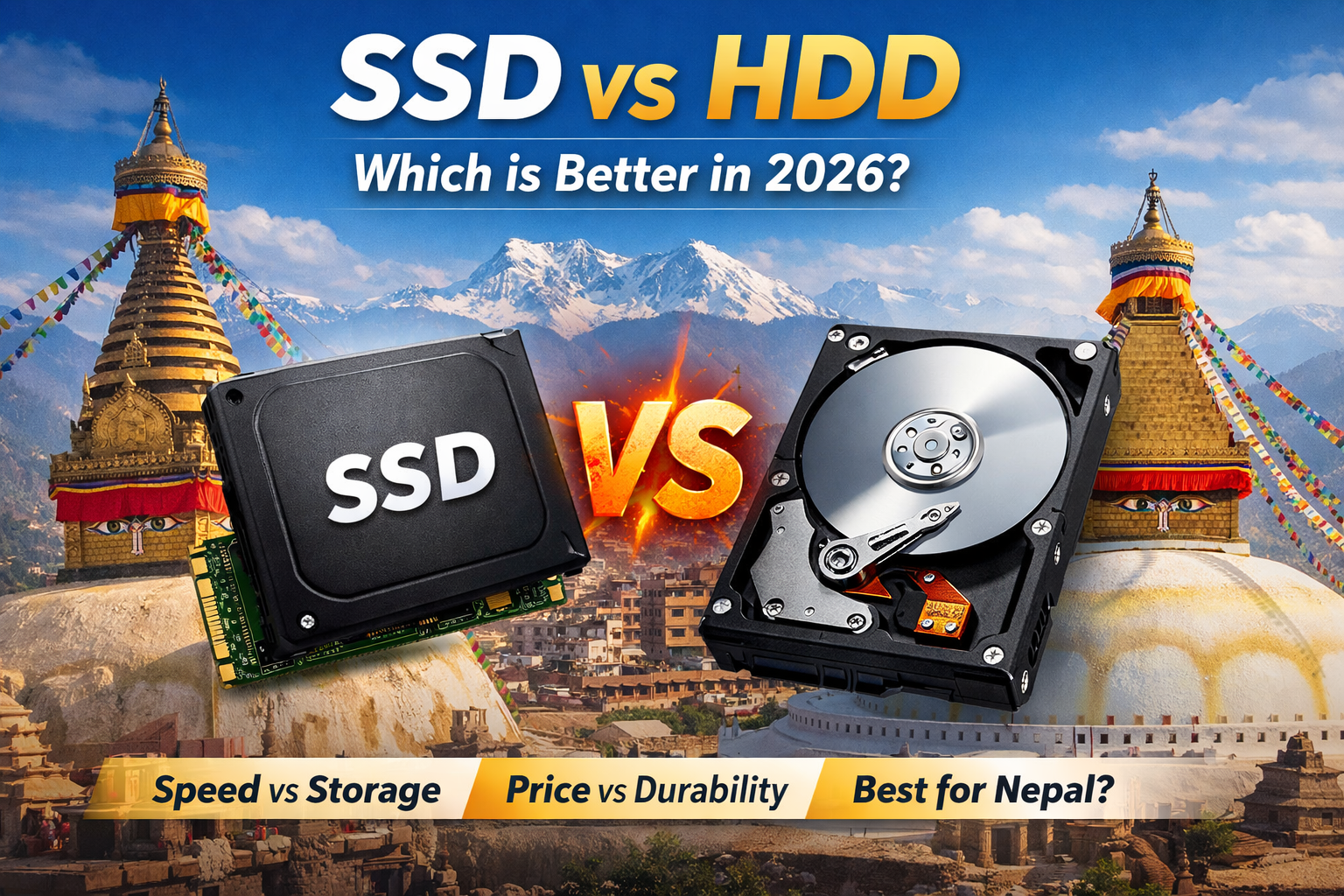
🔹 1. Upgrade to SSD (Most Important)
If your laptop still uses HDD, switching to SSD is the #1 solution.
Benefits:
- 5–10x faster boot time
- Faster app loading
- Smooth multitasking
👉 This is the best upgrade in Nepal for old laptops.
🔹 2. Increase RAM
More RAM helps your laptop run multiple programs smoothly.
Recommended:
- 8GB → Normal use
- 16GB → Gaming / editing
If your laptop is lagging while opening Chrome, Office, or apps—RAM upgrade will help.
🔹 3. Disable Startup Programs
Too many startup apps slow down boot time.
How:
- Open Task Manager
- Go to Startup tab
- Disable unnecessary apps
🔹 4. Clean Temporary Files
Junk files slow down your system.
Steps:
- Use Disk Cleanup
- Delete temp files
- Clear browser cache
🔹 5. Uninstall Unused Software
Remove apps you don’t use.
This frees:
- Storage
- RAM
- CPU usage
🔹 6. Scan for Virus & Malware
Viruses can slow down your laptop heavily.
Use:
- Windows Defender
- Antivirus software
🔹 7. Update Windows & Drivers
Updates fix bugs and improve performance.
Make sure:
- Windows is updated
- Drivers are updated
🔹 8. Manage Storage (Keep Space Free)
Keep at least 20–30% free storage.
Full storage = slow performance
🔹 9. Reduce Visual Effects
Windows animations can slow older laptops.
Steps:
- Go to Performance Settings
- Select “Adjust for best performance”
🔹 10. Clean Your Laptop (Hardware)
Dust can cause overheating.
Do:
- Clean fan and vents
- Replace thermal paste (if needed)
🔹 Bonus Tip: Reset Windows
If your laptop is still slow:
👉 Reset Windows (fresh install)
This removes all issues and makes it like new.
🔹 Best Upgrade Combination (Recommended)
For best performance in Nepal:
- SSD + 8GB/16GB RAM = Fast laptop
- HDD only for storage
🔹 Final Verdict
If your laptop is slow in 2026:
- Upgrade to SSD → biggest improvement
- Add RAM → smoother multitasking
- Clean system → better performance
👉 You don’t need a new laptop—just upgrade smartly.