Essential Computer and Laptop Accessories for Students in Nepal
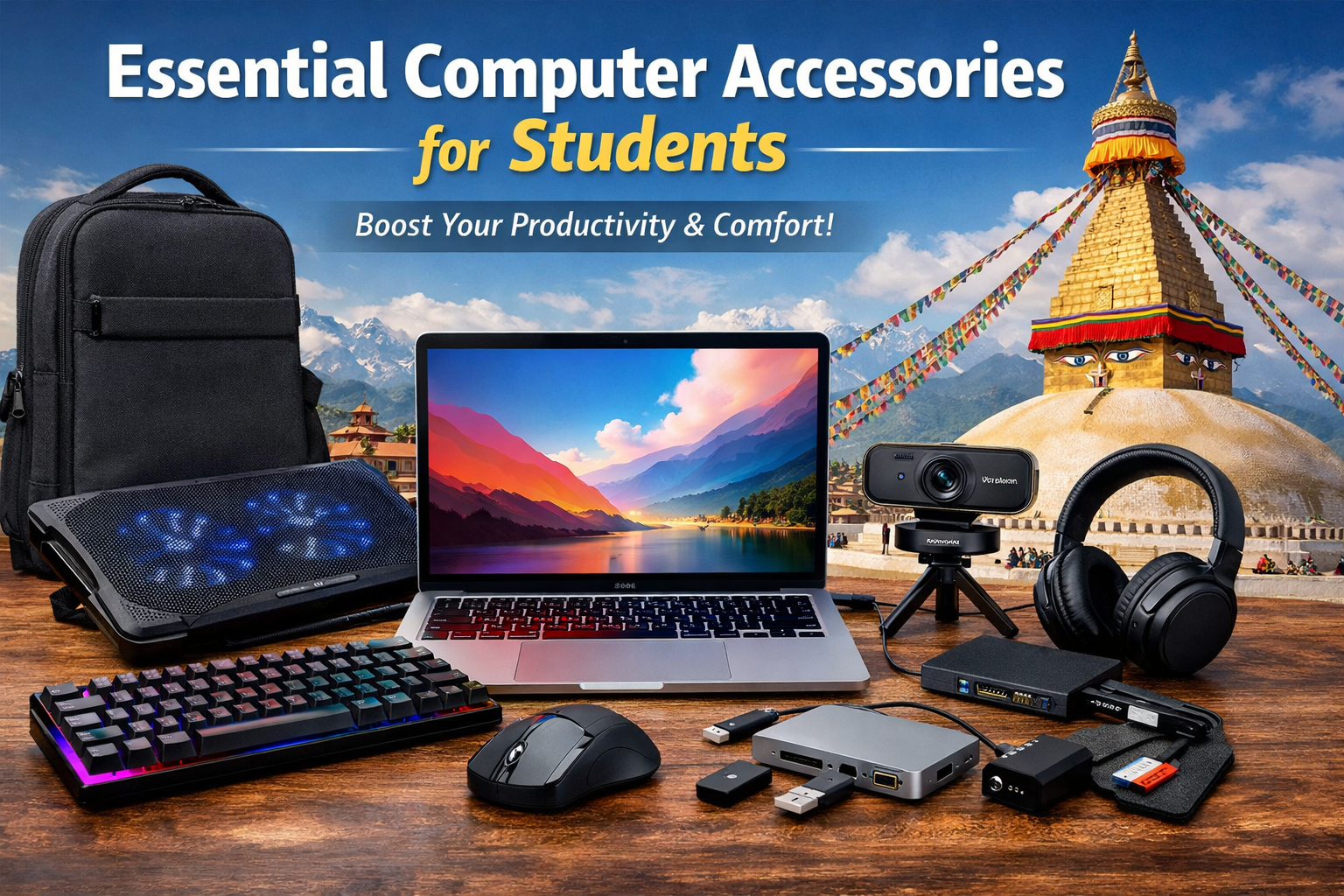
Essential Computer Accessories for Students in Nepal
As students navigate online classes, assignments, and research, having the right computer accessories can make a huge difference in productivity, comfort, and overall learning experience. Whether you're attending virtual lectures, working on projects, or gaming during breaks, equipping yourself with the right tools is essential. Here’s a comprehensive guide to must-have computer accessories for students in Nepal.
1. Reliable Laptop or Desktop
Before accessories, the foundation is a good computer. Students should choose devices with adequate RAM (8GB minimum), fast processors, and SSD storage for smooth multitasking and faster boot times.
- MacBook: Ideal for design, programming, and long-lasting battery life.
- Other Options: Brands like HP, Dell, Lenovo, ASUS, and Acer are popular among Nepali students for both performance and durability.
2. Comfortable Keyboard and Mouse
Typing for hours on assignments or coding can be uncomfortable without the right peripherals.
- Keyboard & Mouse: HAVIT keyboards and mice offer ergonomic design, reliability, and smooth performance, perfect for students.
- Alternatives: Options like Logitech K120 or Corsair gaming keyboards are also great for durability and typing comfort.
3. External Storage
Data storage is critical for students handling projects, media files, or research papers.
- External Hard Drives: For bulk storage, a 1TB or 2TB HDD is useful.
- SSD Drives: Faster, more reliable, and compact – perfect for students who frequently transfer large files. Brands like PNY, ADATA, and Samsung are trusted in Nepal.
- USB Pendrives: Handy for quick transfers and presentations.
4. Headphones or Earphones
For online classes, video calls, or music, a good pair of headphones ensures clarity.
- Over-ear headphones: Comfortable for long usage, like Corsair HS55 or Creative Sound BlasterX series.
- In-ear earphones: Compact and portable, such as HAVIT HV-H2182 or Honor Earbuds.
5. Webcam
While most laptops have built-in cameras, an external webcam provides better video quality for online classes and meetings.
- Recommended: Verbatim Webcam – clear video quality, reliable performance, and easy setup for students.
6. Laptop Cooling Pad
Students often use laptops for long hours. A cooling pad prevents overheating, extends the device’s lifespan, and ensures smooth performance during intensive tasks like gaming or design work.
7. Power Backup (UPS / Power Bank)
Frequent power cuts are common in Nepal. A UPS or laptop power bank ensures uninterrupted study sessions. Models like UPI-POE-48-5 or DIGICOM DG-P110C are reliable choices.
8. Laptop Bag or Sleeve
Protecting your device while commuting is crucial. A padded laptop bag or sleeve ensures safety and convenience, keeping your laptop secure and easy to carry.
9. Desk Accessories
Studying comfortably requires a good setup:
- Adjustable Laptop Stand: Reduces neck strain.
- Mouse Pad: Enhances mouse precision.
- Cable Organizers: Keeps workspace tidy and efficient.
10. Software Essentials
While not physical accessories, certain software tools enhance productivity:
- Microsoft Office / Google Workspace for assignments and reports.
- Antivirus / Internet Security like Bitdefender or Norton to keep data safe.
- Note-taking Apps: OneNote or Evernote for organized study materials.
11. Connectors & Hubs
MacBooks and ultrabooks often have limited ports. Using connectors, adapters, or hubs is essential for students:
- USB-C Hubs: Expand connectivity for USB devices, HDMI, SD cards, and Ethernet.
- Multi-port Adapters: Simplify connections for presentations, external drives, and monitors.
Conclusion
For students in Nepal, having the right computer accessories can transform their academic experience. Investing in quality peripherals not only improves efficiency but also ensures comfort during long study sessions. Start with essentials like a MacBook, HAVIT keyboard and mouse, and headphones, then gradually upgrade storage, cooling solutions, power backups, and connectors for an optimal study setup.
Explore our collection of Best Accessories here.