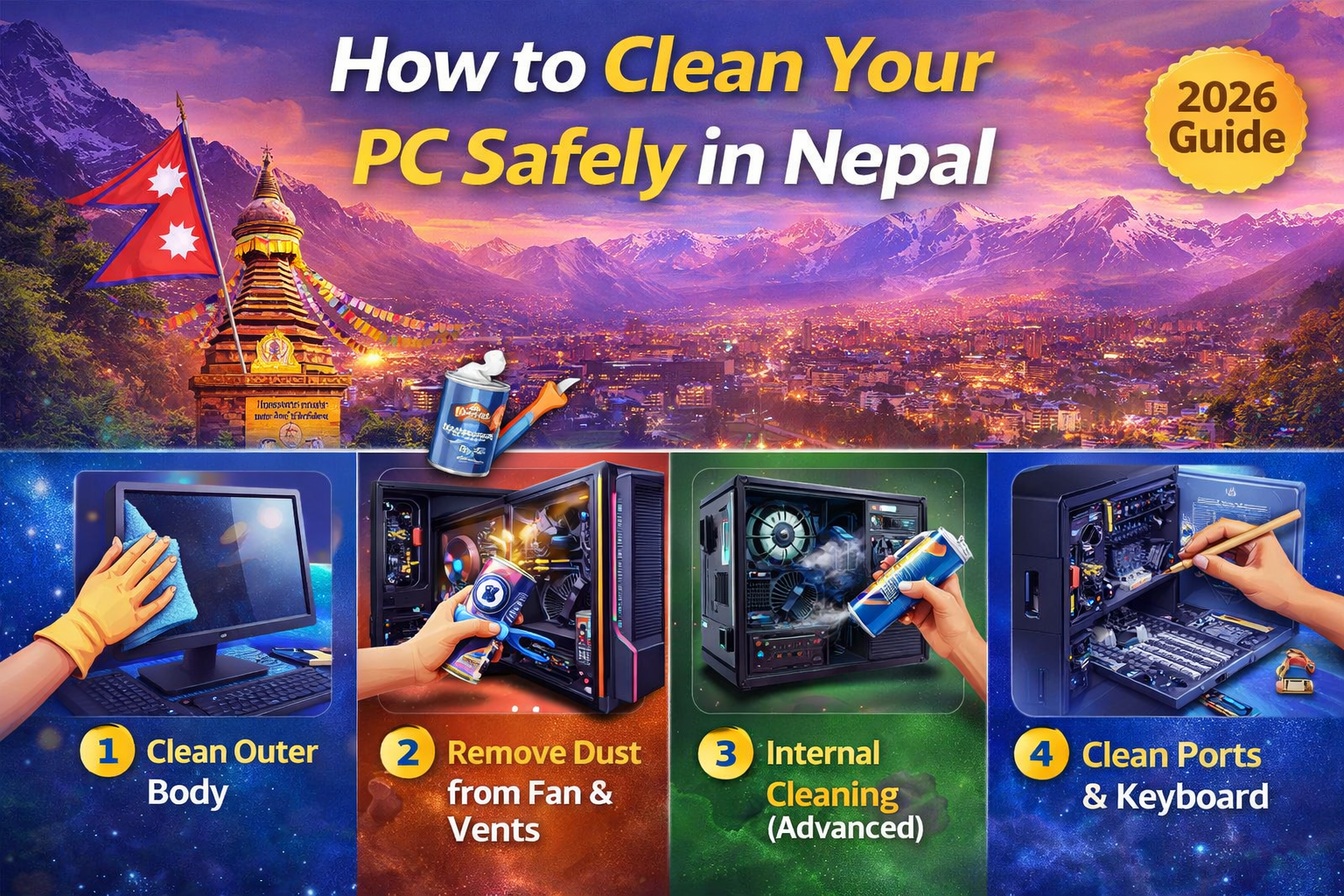
Thermal Paste Guide in Nepal | How & When to Apply (2026)
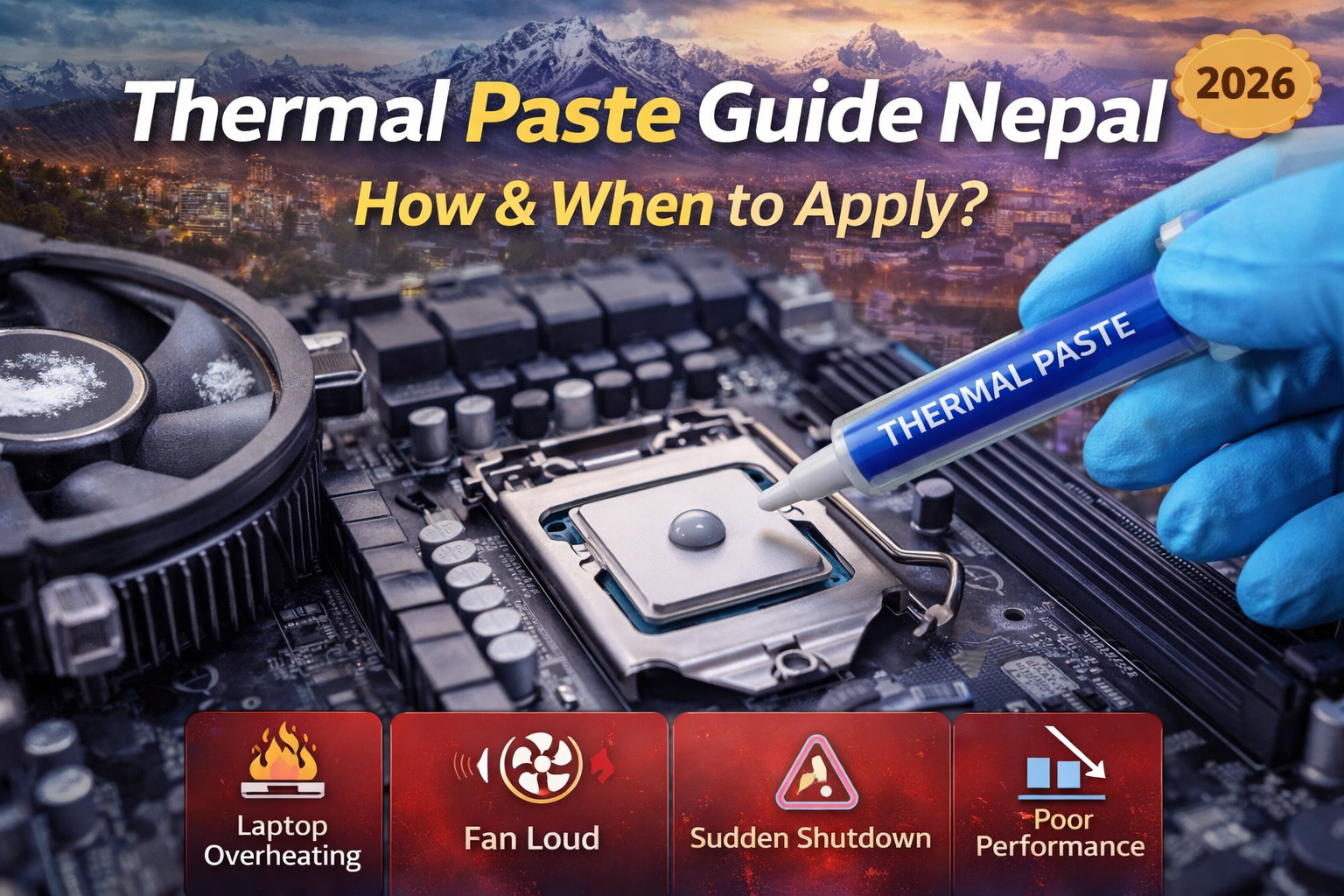
Thermal paste is a small but very important component that helps keep your CPU cool. In Nepal, due to dust and heat, thermal paste dries faster, which can lead to overheating issues.
This guide will help you understand when, why, and how to apply thermal paste safely 👇
🔍 What is Thermal Paste?
Thermal paste is a heat-conducting material applied between:
👉 CPU (Processor)
👉 Heat sink / cooling fan
It helps transfer heat efficiently and keeps your system cool.
⚠️ Why Thermal Paste is Important
- Prevents overheating
- Improves cooling performance
- Increases CPU lifespan
- Boosts system performance
👉 Without proper paste, CPU temperature can rise quickly
🚨 Signs You Need to Change Thermal Paste
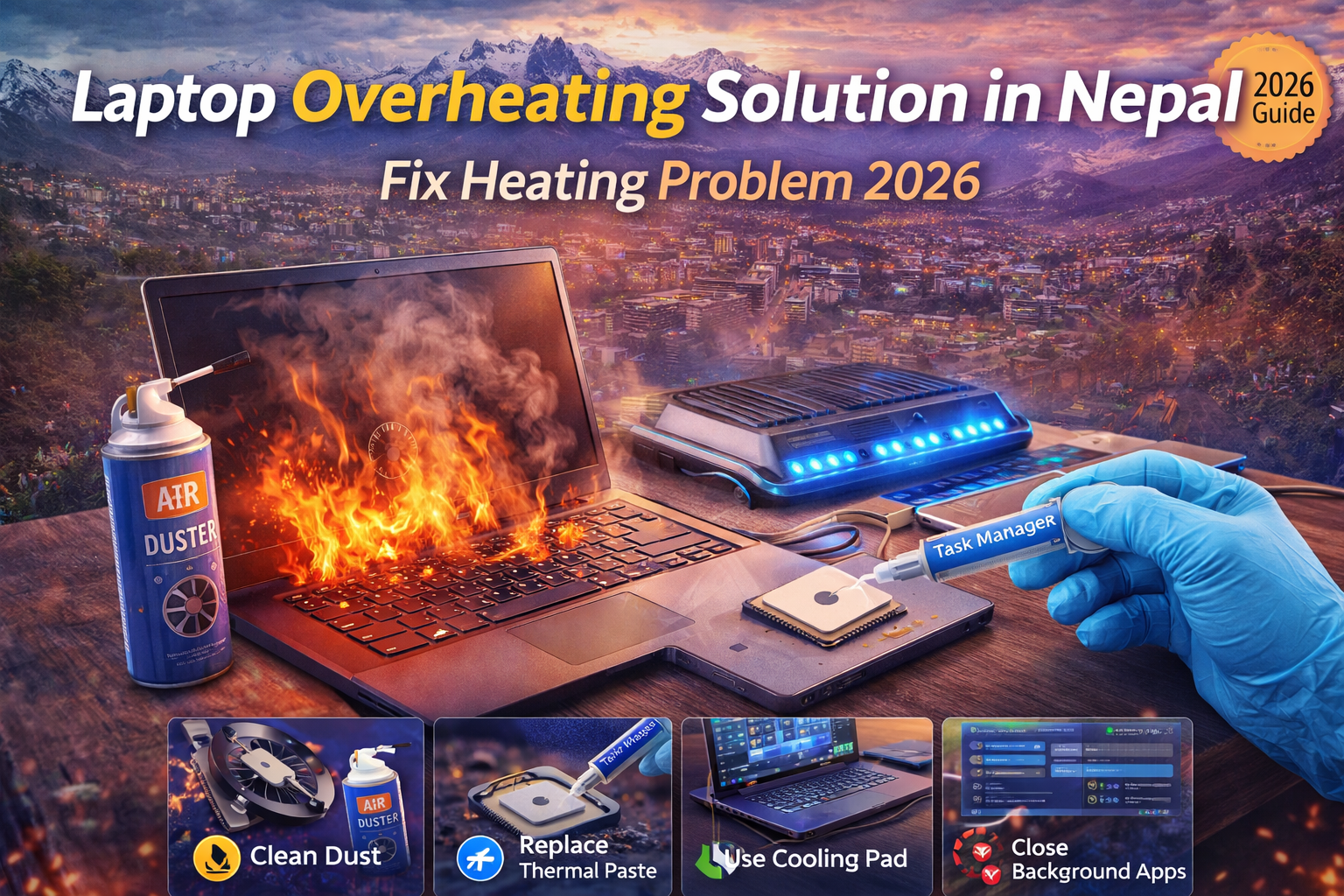
- Laptop overheating 🔥
- Fan running loudly
- Sudden shutdown
- Performance drop
👉 Common issue in Nepal due to dust & temperature
⏱️ When Should You Replace Thermal Paste?
- Every 1–2 years
- After heavy usage
- During servicing
👉 Recommended during annual cleaning
🧰 Tools You Need
- Thermal paste (good quality)
- Screwdriver set
- Isopropyl alcohol
- Microfiber cloth
🔧 Step-by-Step Guide to Apply Thermal Paste
🪛 Step 1: Turn Off & Open Device
- Power off your laptop/PC
- Remove battery & unplug
- Open back panel carefully
🧼 Step 2: Clean Old Thermal Paste
- Remove old paste using alcohol
- Clean CPU surface and heat sink
👉 Make sure surface is clean & dry
⚪ Step 3: Apply New Thermal Paste
- Apply small pea-sized amount
- Do not spread too much
👉 Too much paste reduces performance
🔩 Step 4: Reattach Cooling System
- Place heat sink properly
- Tighten screws evenly
🔄 Step 5: Test Your System
- Turn on device
- Check temperature & performance
🚫 Common Mistakes to Avoid
❌ Applying too much paste
❌ Using low-quality paste
❌ Not cleaning old paste properly
❌ Improper installation
💡 Pro Tips for Nepal Users
- Clean dust before applying paste
- Use good quality brands
- Combine with fan cleaning for best results
💰 Thermal Paste Service Cost in Nepal
- DIY cost: Affordable
- Professional service: Budget-friendly
👉 Much cheaper than repairing overheating damage
✅ Conclusion
Thermal paste plays a crucial role in keeping your PC cool and efficient. Regular replacement is essential, especially in Nepal’s dusty and warm environment.
Not confident to do it yourself?
📍 Visit S3 TECH – Subidhanagar, Tinkune
📞 9801188139
Get professional thermal paste replacement & servicing at best price.