How to Clean Your PC Safely in Nepal | Complete Guide 2026
🧹 How to Clean Your PC Safely (नेपालमा सुरक्षित तरिकाले PC सफा गर्ने तरिका)
Keeping your PC or laptop clean is very important, especially in Nepal where dust can quickly affect performance. Regular cleaning helps prevent overheating, improves speed, and increases the lifespan of your device.
Here’s a simple and safe step-by-step guide 👇
⚠️ Before You Start (Safety First)
- Turn off your PC completely
- Unplug power cable
- Remove battery (if possible)
- Work in a clean, dry area
👉 Never clean while the device is ON
🧰 Tools You Need
- Soft microfiber cloth
- Compressed air (or air blower)
- Small brush
- Isopropyl alcohol (for deep cleaning)
👉 Avoid water or wet cloth
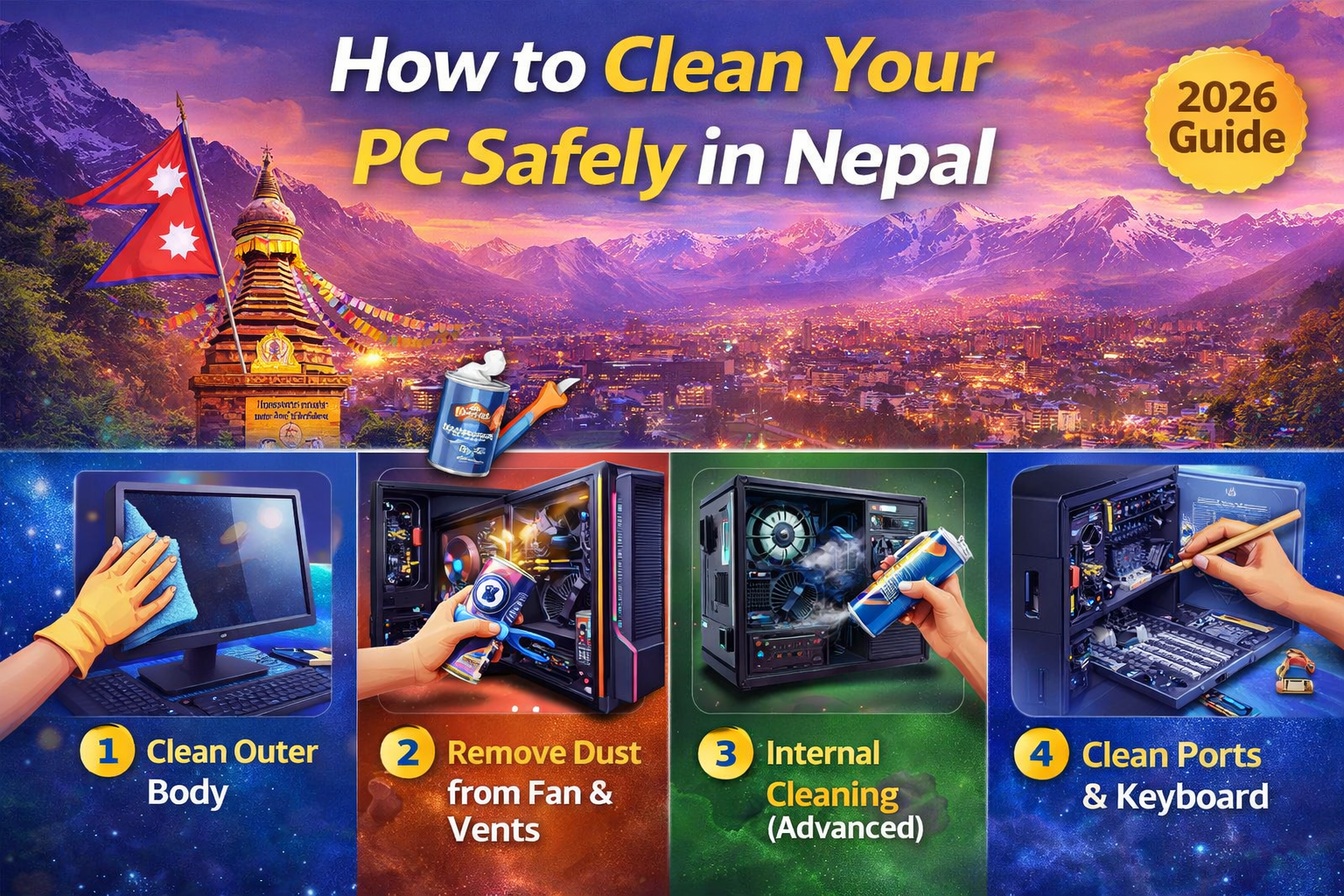
🖥️ Step 1: Clean the Outer Body
- Wipe screen and body with dry cloth
- Use slightly damp cloth for stubborn dirt
- Clean keyboard gently
👉 Do not press too hard on screen
🌬️ Step 2: Remove Dust from Vents & Fan
- Use compressed air to blow dust
- Focus on air vents and cooling areas
- Hold fan while cleaning to avoid damage
👉 This helps reduce overheating
🔧 Step 3: Internal Cleaning (Advanced)
⚠️ Only if you know what you are doing
- Open back panel
- Clean fan and motherboard carefully
- Remove dust buildup
👉 If unsure, visit a professional technician
🧼 Step 4: Clean Ports & Keyboard
- Use brush or air to clean USB ports
- Remove dirt from keyboard gaps
👉 Avoid inserting metal objects
🌡️ Step 5: Apply Thermal Paste (Optional)
- Improves cooling performance
- Recommended after 1–2 years
👉 Best done by professionals
🔁 How Often Should You Clean Your PC in Nepal?
- Basic cleaning: Every 1–2 months
- Deep cleaning: Every 6–12 months
👉 Due to dust, Nepal users should clean more frequently
🚫 Common Mistakes to Avoid
❌ Using water directly
❌ Cleaning while powered ON
❌ Using vacuum with strong suction
❌ Touching motherboard without care
💡 Benefits of Cleaning Your PC
- Faster performance
- Lower temperature
- Longer lifespan
- Better user experience
✅ Conclusion
Cleaning your PC regularly is one of the easiest ways to maintain performance. In Nepal’s dusty environment, proper cleaning can save you from costly repairs and keep your system running smoothly.
Don’t want to risk cleaning yourself?
📍 Visit S3 TECH – Subidhanagar, Tinkune
📞 9801188139
Get professional PC cleaning & servicing at affordable price.